
Every specialty sub has the whiteboard — or the spreadsheet pretending to be one. This chapter shows the operations board that takes its place, and stays true when the plan changes.
Chapter 6 of 8 · 0:20 · the full walkthrough unlocks with one form, once.
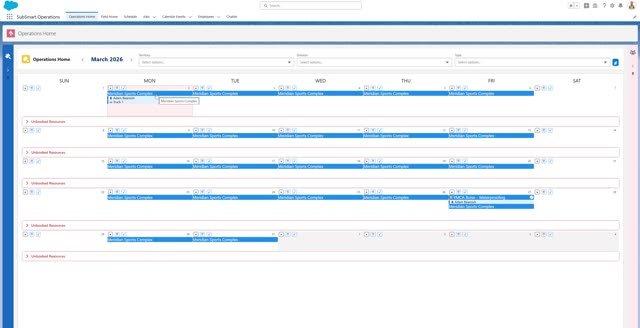
An in-depth operations and scheduling solution keeps the field and office on the same page: what work is happening, who is working it, and where it’s happening. Bookings live on the job, crews are visible across the month, and a schedule change made in the office is what the field sees — there’s no second copy to fall out of date.
Finally, an in-depth operations and scheduling solution, replacing the whiteboard, keeps the field and office on the same page, with what work is happening, who is working it, and where it is happening.